Dashboard →

Works with Claude

Everything Claude can do on MyChatBot

Claude sets it up. Your MyChatBot sales agent does the selling. Here’s everything you can ask Claude to do.

Paste into your Claude chat

Set it up

A voice agent that answers out loud

Built from your own website, so it answers from your real pages — in your site’s language, with an accent that fits your business. Visitors press one button and just talk.

Try saying

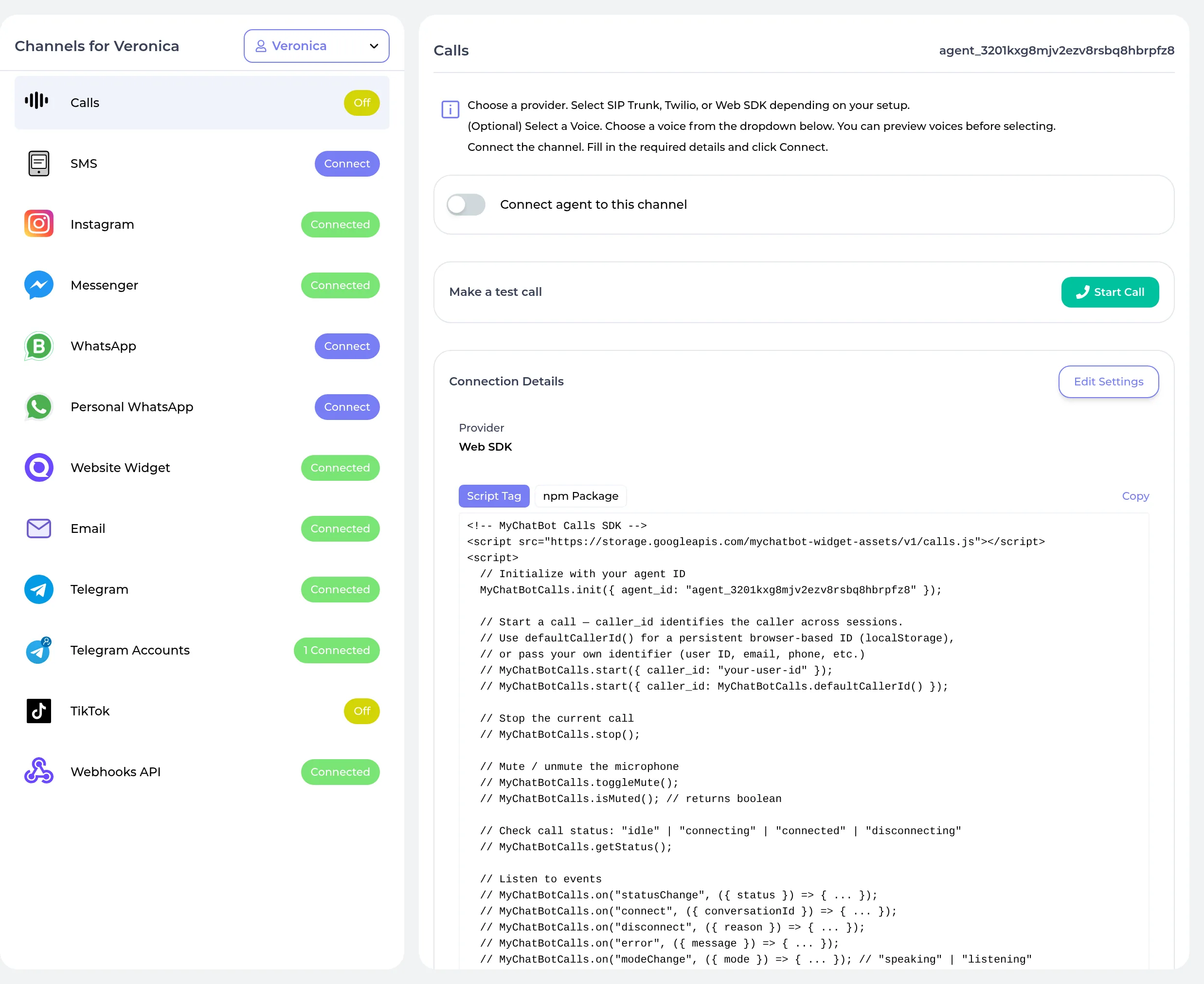
The call panel your visitors see: who is talking, what was just said, and one button to hang up.

Set it up

Chat, live on your website

Claude drops a chat bubble on your site and hands you the snippet — plus a ready-made page to try it on.

Try saying

The widget card: copy the snippet, open a live preview, and your site has chat.

Set it up

On every messaging channel

Telegram, WhatsApp, and Instagram — Claude hands you one link and you finish in a couple of clicks.

Try saying

Same one-link, two-step flow for Telegram, WhatsApp, and Instagram.

Teach it

Your FAQ, in its own words

Tell Claude the facts and it writes the FAQ your sales agent quotes from — ready the moment it’s indexed.

Try saying

An FAQ lands as a card — entries counted, ready to answer, one click from the dashboard.

Teach it

Your product catalog, imported

Point Claude at your product feed and it brings in the lot, indexed and ready to sell from.

Try saying

A feed import when it finishes: the whole catalog, indexed and ready to sell from.

Teach it

Everything it knows, in one list

Every source you’ve connected — FAQs, catalogs, CRMs — at a glance.

Try saying

The one-glance list of everything your sales agent knows about.

Orders

Orders taken right in the chat

Your sales agent takes the order in the conversation — no checkout hand-off, no lost basket. Ask Claude how they’re doing and you get totals, revenue, status, and the channels they came from.

Try saying

Order stats as a card: totals and revenue, broken down by status and channel.

Improve it

Rehearse, then go live

Test changes in private, and approve every instruction change on a before/after card before customers see it.

Try saying

Instruction changes arrive as a before/after card — nothing is saved until you confirm.

Your customers

Know every customer, then reach them

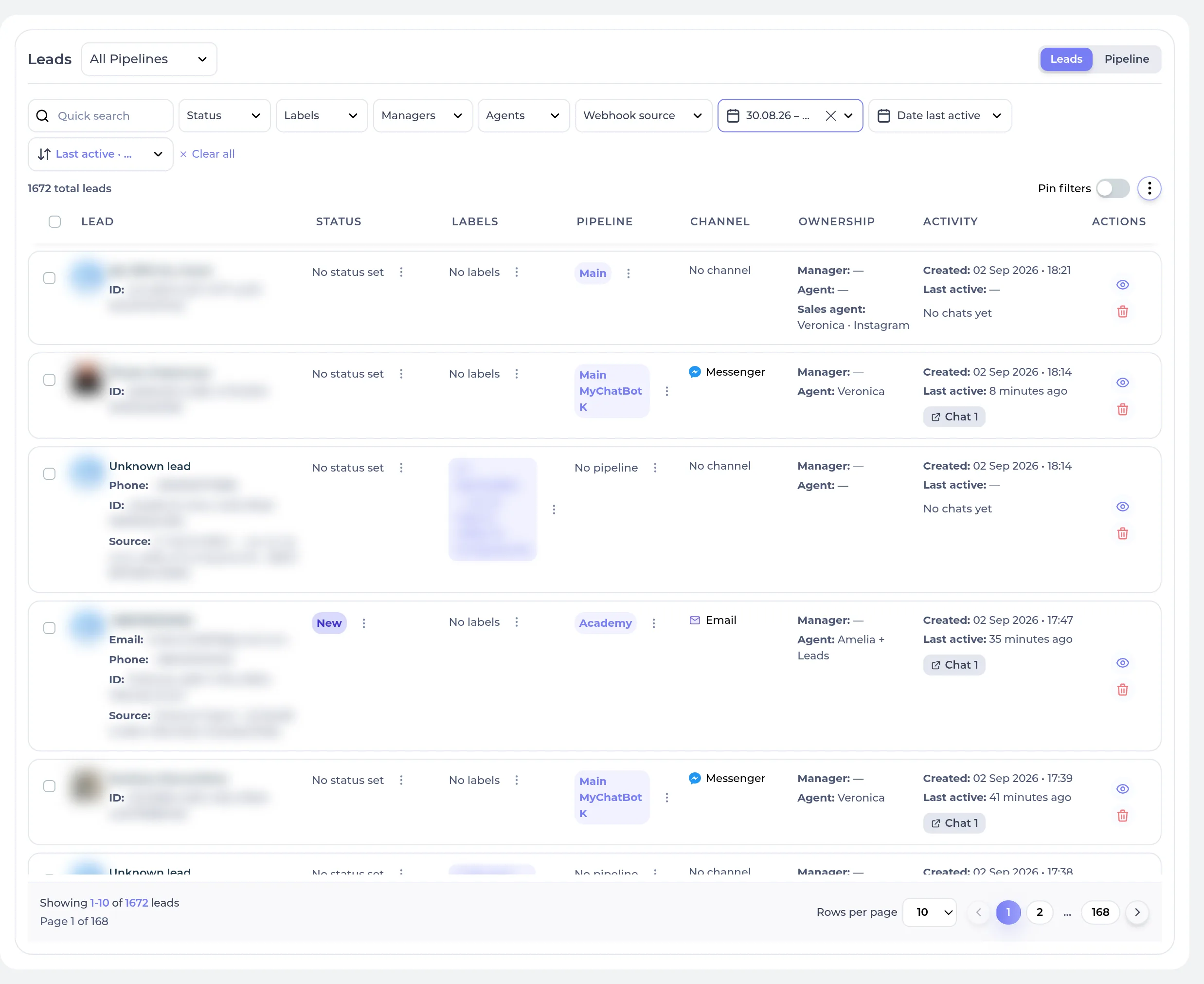
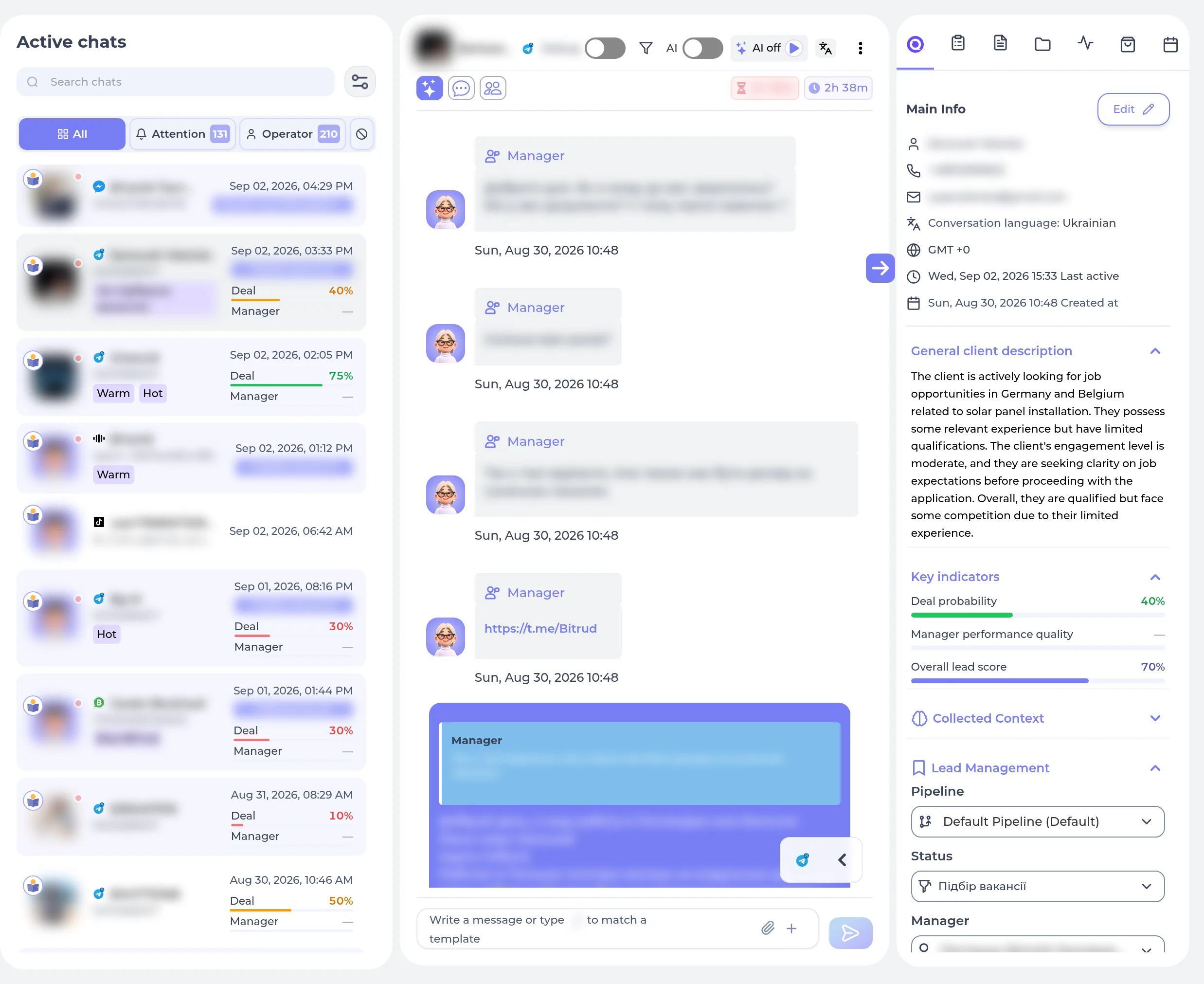
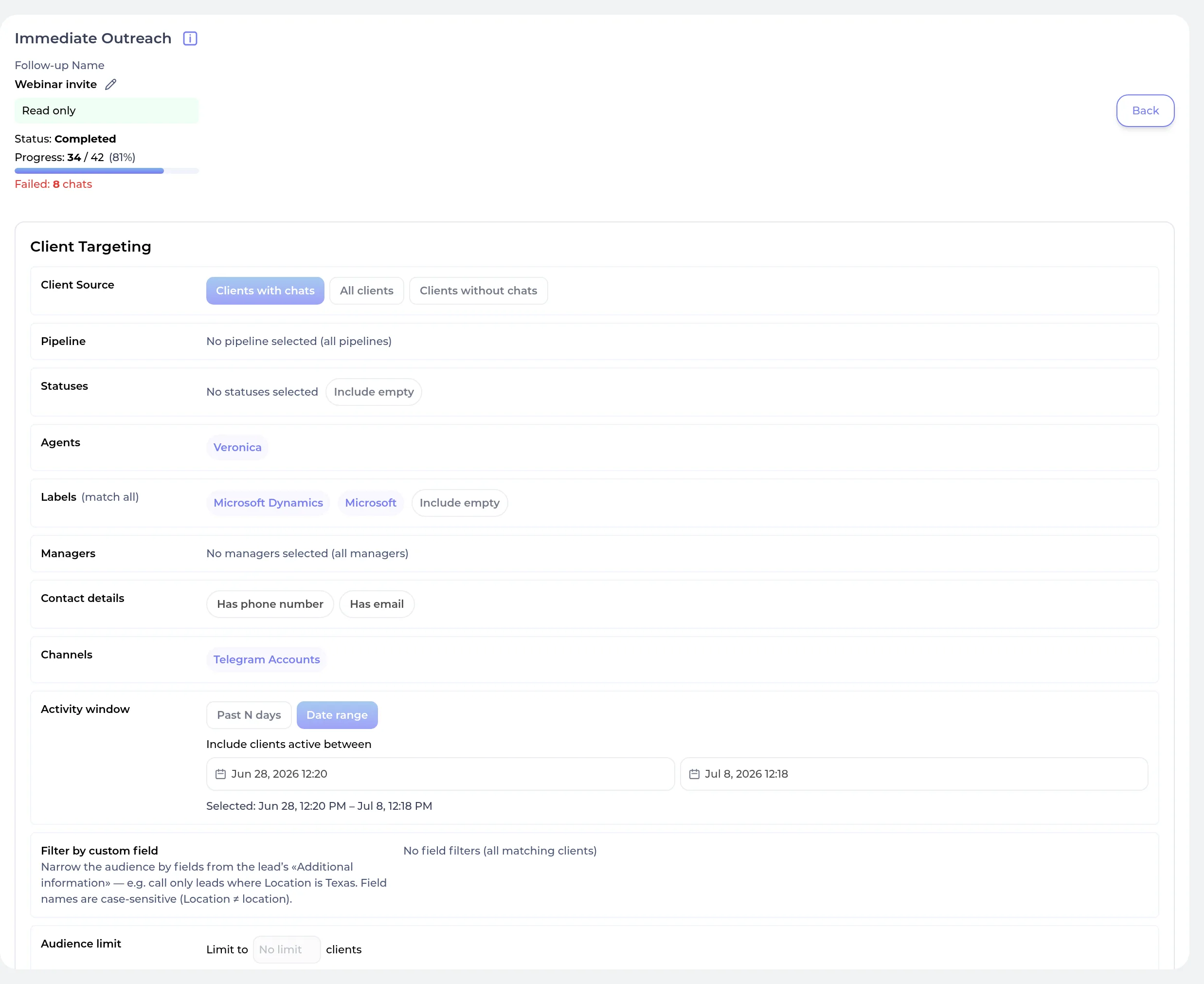
Every conversation your sales agent is having and every lead it has captured — read a full transcript, go back to any week or month, then message one of them or run a campaign to all of them. Claude shows you who it will reach and waits for your OK before anything sends.

Try saying

For developers & AI agents — the tools behind these prompts

You never need these names — Claude picks the right tool from what you ask. They’re here for developers, AI agents, and anyone curious about exactly what the connector can do.

Set it up

get_demo_statusCheck the instant demo agent

Get the owner's DEMO PAGE — the live preview link for the agent built from their website at signup. THE ONLY WAY to show someone an existing demo. Call this FIRST in any new conversation, before asking the owner anything, AND every later time they ask for it, however they word it: 'show me the demo page', 'show me my demo', 'open my demo', 'where is my preview link', 'send me the link', 'do I have a chatbot?', 'show me my agent/bot', 'what did you build for me?'. Signup offers to build one from their website, so it often already exists: if it does, open with the preview link, because seeing their own agent answering questions about their own business is the fastest way to understand this product. NEVER answer 'show me the demo' with create_website_widget — that builds a SECOND, blank widget beside the demo they already have and shows them an empty page. Read-only.

owner_goalstringoptional

Optional. One line on what the owner said they want to achieve — e.g. 'answer product questions on their Shopify store', 'take bookings by phone'. Their words SUMMARISED: never the conversation itself, never a quote, never anything personal. On the FIRST call of a conversation you will usually not have this yet — omit it. Include it on any later call, once they have said what they want. This helps us learn which jobs people actually come here for; it changes nothing about the answer you get back.

propose_assistant_setupPropose sales assistant setup

Set up an AI chatbot that answers a business's customers automatically — on their website, Telegram, Instagram, Messenger or WhatsApp. Use this whenever someone wants a chatbot, an AI assistant, auto-replies, or 24/7 support for their shop, store, online business or service — including 'answer my customers', 'reply to my DMs', 'a bot for my website'. It renders an approval card the owner reviews before anything is built: draft the assistant first (research the business, then write the greeting, the instructions and the starter knowledge) and pass the whole proposal here. Nothing is created until the owner approves.

namestringoptional

Assistant name (as drafted). If omitted, a demo proposal is generated from `business` for local testing.

greetingstringoptional

The exact first message website visitors will see.

summarystringoptional

2-3 line summary of what the assistant does.

instructionsstringoptional

The complete system prompt for the assistant.

knowledgearrayoptional

Starter Q&A knowledge entries, phrased the way customers ask.

planarrayoptional

Ordered build steps to show in the card.

businessstringoptional

Business name/description — used only to generate a demo proposal when `name` is omitted.

owner_goalstringoptional

Optional. One line on what the owner said they want to achieve — e.g. 'answer product questions on their Shopify store', 'take bookings by phone'. Their words SUMMARISED: never the conversation itself, never a quote, never anything personal. You are drafting a whole setup, so by definition they have told you what it is for — include it. This helps us learn which jobs people actually come here for; it changes nothing about the answer you get back.

build_assistantBuild the approved assistant

Build the assistant exactly as proposed. Called only after the owner approves the card.

bot_namestringrequired

Assistant name (from the approved proposal)

welcome_messagestringoptional

First message customers see

instructionsstringoptional

System prompt

knowledge_questionsarrayoptional

Questions for the starter FAQ, in the same order as knowledge_answers.

knowledge_answersarrayoptional

Answers, index-matched to knowledge_questions — answers[0] answers questions[0].

brandstringoptional

Business/brand name (KB group)

owner_goalstringoptional

Optional. One line on what the owner said they want to achieve — e.g. 'answer product questions on their Shopify store', 'take bookings by phone'. Their words SUMMARISED: never the conversation itself, never a quote, never anything personal. The owner has approved a setup by now, so you know what it is for — include it. This helps us learn which jobs people actually come here for; it changes nothing about the answer you get back.

create_website_widgetCreate website chat widget

Put a live chat widget on the owner's website — the chat bubble visitors click to ask questions. Use for 'add chat to my site', 'a chatbot on my website', 'live chat for my store', or putting an existing agent on a web page. The one channel that connects fully from here, no dashboard needed: returns a ready-to-paste embed snippet plus a hosted page URL so it can be dropped onto any site (or tried immediately on the hosted page). Idempotent: calling again with the same widget_id for the same assistant returns the existing widget's embed; a widget_id owned by a different assistant is refused. Omit widget_id to use the assistant's default widget — if signup already built a demo widget for this assistant, that one is returned rather than a second one created. NOT for showing an existing demo: 'show me the demo page' / 'show me my agent' / 'where is my preview link' are get_demo_status, which returns the page they already have. Creating one here instead leaves them looking at a blank page. The widget has many more settings than this tool takes — which details the contact form asks for (name/email/phone), button position and size, popup timing, margins. For any of those, give the owner the config_link from the result: it opens that widget's settings page and signs them in. Do not say it cannot be changed, and do not re-create the widget to try to change it.

assistant_idstringrequired

The assistant ID to connect the widget to.

widget_idstringoptional

Short unique identifier for this widget, no spaces (e.g. 'main-site', 'support', 'docs'). Becomes the channel's page_id and appears in Active Chats so you know where a message came from. Auto-generated ('site-<assistant_id>') if omitted.

welcome_textstringoptional

Optional. Heading text shown above the contact options in the widget home tab.

pop_up_textstringoptional

Optional. Text shown in the bubble a few seconds after the page loads (only shown if set).

website_urlstringoptional

Optional. Your site URL, used for previewing the widget in context.

logostringoptional

Optional. Public URL to a brand logo image (~45x45).

colorstringoptional

Optional. Primary widget color hex (default #6F52E0).

languagestringoptional

Optional. Widget UI language: 'en', 'ru', or 'ua' (default 'en').

ad_orientedbooleanoptional

Optional. Modern teaser-card look: a titled card with rotating popup invitations instead of the bare chat bubble. ON by default for a new widget; pass false for the plain bubble. An existing widget keeps the look it has unless this is set.

ad_titlestringoptional

Optional (ad_oriented only). Title on the teaser card. Defaults to 'Chat with <assistant name>'.

ad_descriptionstringoptional

Optional (ad_oriented only). One-line subtitle on the teaser card.

ad_popup_messagestringoptional

Optional (ad_oriented only). Rotating popup message inviting the visitor to chat.

connect_telegramConnect Telegram

Make the agent answer customers on Telegram — for 'connect my Telegram', 'a Telegram bot for my shop', or 'reply to Telegram messages automatically'. Completes here, no dashboard trip: ask the owner to open @BotFather in Telegram, run /newbot, and paste the token it gives them. Idempotent: reconnecting the same bot to the same assistant refreshes the token and turns it back on. This is a WRITE: it makes the assistant answer real people on Telegram. The token is a credential — never repeat it back in the conversation.

assistant_idstringrequired

The assistant that should answer on this bot.

bot_tokenstringrequired

The token from @BotFather, e.g. '1234567890:AAbb...'. Paste the whole line.

drop_pending_updatesbooleanoptional

Optional. When true the bot ignores messages sent while it was offline.

get_channel_setup_link_telegramGet Telegram setup link

Get the dashboard link for connecting Telegram to an assistant. Prefer connect_telegram, which finishes the whole connection here; use this only if the owner would rather do it in the dashboard. so this returns a deep-link ({url}) for the owner to open in their browser — present it as "finish connecting in your dashboard (login required)". Read-only: this call connects and changes nothing by itself.

assistant_idstringrequired

The assistant ID to connect the channel to.

get_channel_setup_link_whatsappGet WhatsApp setup link

Get the dashboard link for connecting WhatsApp to an assistant. WhatsApp authorization can only be completed in the MyChatBot dashboard, so this returns a deep-link ({url}) for the owner to open in their browser — present it as "finish connecting in your dashboard (login required)". Read-only: this call connects and changes nothing by itself.

assistant_idstringrequired

The assistant ID to connect the channel to.

get_channel_setup_link_instagramGet Instagram setup link

Get the dashboard link for connecting Instagram to an assistant. Instagram authorization can only be completed in the MyChatBot dashboard, so this returns a deep-link ({url}) for the owner to open in their browser — present it as "finish connecting in your dashboard (login required)". Read-only: this call connects and changes nothing by itself.

assistant_idstringrequired

The assistant ID to connect the channel to.

enable_order_takingLet the agent take orders

Let a sales agent take orders in conversation. Until this is on the agent can answer questions and recommend products but cannot close a sale — it has nowhere to record what the customer wants, so it hands off to a human instead. Turn it on once the catalog is imported. Safe to call again to change the settings; it will not create a second setup. Omit required_fields/item_fields to accept sensible defaults (name, phone, delivery address, optional email; quantity per item).

assistant_idstringrequired

The sales agent that should be able to take orders. From list_assistants.

currencystringoptional

Three-letter currency code for order totals, e.g. USD, EUR, PLN, UAH. Defaults to USD.

requires_paymentbooleanoptional

Whether an order needs payment before it counts as confirmed. Defaults to false (pay on delivery / invoice later).

required_fieldsarrayoptional

Customer details the agent collects once per order. Omit for the default set.

item_fieldsarrayoptional

Details the agent collects for each product in the order. Omit for the default set.

disable_order_takingStop the agent taking orders

Stop a sales agent from taking orders. It keeps answering questions and recommending products, but can no longer record a sale. Existing orders are kept. If no other agent on the account takes orders, the order-form setup (fields, currency, payment rule) is removed with it — enabling again starts from defaults.

assistant_idstringrequired

The sales agent that should stop taking orders. From list_assistants.

delete_channelDisconnect a channel

Disconnect one channel from an agent: the platform stops delivering and the connection is removed. Conversations are KEPT — the agent just stops getting new messages there. This is the right tool for 'take it off Telegram' or 'stop it answering on the website'. Use list_channels first to get the exact channel name.

assistant_idstringrequired

The agent the channel is connected to.

channel_typestringrequired

Which channel, exactly as list_channels reports it (e.g. 'Telegram', 'SwWidget', 'Instagram').

delete_assistantDelete a sales agent

Permanently delete a sales agent. THIS ALSO DELETES EVERY CONVERSATION IT HAS HAD WITH CUSTOMERS, plus its channels, skills and tasks. There is no undo and no export. Intended for removing an agent created by mistake — a duplicate from a repeated setup, say. If the agent has any conversations this call FAILS and tells you how many: relay that number to the owner and get an explicit yes before retrying with delete_conversations, never set it pre-emptively. When they only want the agent to stop working, use delete_channel instead — it keeps the history.

assistant_idstringrequired

The agent to delete (from list_assistants).

delete_conversationsbooleanoptional

Only set true after the owner has been told how many conversations will be destroyed and has agreed. Leave unset for an unused agent.

Teach it your business

add_website_knowledgeUse a website as knowledge

Teach the agent a business's website so it answers from the real pages — prices, products, delivery, opening hours, policies. Use for 'answer from my website', 'learn my site', 'use my shop's pages', or when the owner names a site as their source of truth. It is a LIVE source: the agent searches the site and reads pages at answer time, so there is nothing to upload and no indexing wait. The knowledge_base group name links sources to assistants; assistants without a knowledge base yet are attached to this group automatically.

urlstringrequired

The website URL, including https:// (e.g. https://acme.com). One site per call.

knowledge_basestringrequired

Knowledge base group name. Use an existing one to add this site to the same group, or a new unique name.

namestringoptional

Human-readable name for this source (defaults to the site's domain).

create_faq_knowledge_baseCreate FAQ knowledge base

Create a new FAQ knowledge base integration for the owner's assistant. Optionally seed it with initial entries. Each entry needs an id, question (short title), and answer (detailed text). The knowledge_base param groups integrations — use an existing group name to add to that group, or pick a new unique name. Check list_integrations first and prefer updating an existing FAQ integration over creating a duplicate.

knowledge_basestringrequired

Knowledge base group name. Use an existing one to add this integration to the same group, or create a new unique name (e.g. company name, topic).

namestringrequired

Human-readable name for this FAQ integration (e.g. 'Shipping FAQ', 'Return Policy').

languagestringoptional

Content language: 'english', 'russian', 'spanish', etc. Defaults to 'english'.

entriesarrayoptional

Initial FAQ entries to seed. Optional — can be added later via update_faq_knowledge_base_entries.

list_faq_knowledge_base_entriesList FAQ entries

List all entries in a FAQ knowledge base integration. Returns the full list of FAQ items with their IDs, questions, and answers. Omit integration_id when the account has only one FAQ — it is resolved for you; with several, the error names them. Note that a 'Site link' integration is NOT an FAQ knowledge base even though list_integrations marks both as knowledge bases — passing its id here fails.

integration_idvalueoptional

The FAQ knowledge base's integration ID. Optional — omit it when the account has only one FAQ. (the numeric id from list_integrations is accepted too.)

update_faq_knowledge_base_entriesUpdate FAQ entries

Modify entries in a FAQ knowledge base. Supports three granular operations (use any combination): add (new entries to append, or replace one with the same id), update (existing entries to change, matched by id), remove (entry IDs to delete). The backend reads the current entries, applies your changes, re-uploads, and re-indexes.

integration_idvaluerequired

The integration ID of the FAQ knowledge base. (the numeric id from list_integrations is accepted too.)

entriesarrayoptional

Alias for `add`. Entries whose id already exists are updated in place.

addarrayoptional

New entries to add. An entry whose id already exists is updated in place.

updatearrayoptional

Existing entries to update (matched by id). Only provide fields you want to change — question and/or answer.

removearrayoptional

IDs of entries to remove.

create_products_integrationCreate products catalog

Create a Products integration — a manually-managed product catalog the assistant answers from. Optionally seed with initial products. Each product can have arbitrary attributes (name, description, price, url, image_url, category, and any custom keys). Processing is asynchronous — returns immediately while indexing happens in the background; check status with get_integration. Check list_integrations first and prefer one catalog per account over duplicates.

knowledge_basestringrequired

Knowledge base group name. Use an existing one to add this integration to the same group, or create a new unique name.

namestringrequired

Human-readable name for this products catalog (e.g. 'Summer Collection', 'Electronics').

languagestringoptional

Content language: 'english', 'russian', 'spanish', etc. Defaults to 'english'.

productsarrayoptional

Initial products to seed. Optional — can be added later via update_products. Each product is an object with 'name' (required) plus any attributes. For image indexing, use recognized image field names: image_link, image_url, additional_images (array of URLs), or any key containing 'image', 'photo', 'picture', 'thumbnail', 'gallery', or 'media'.

index_imagesbooleanoptional

Whether to index product images for visual search. Slower but enables image-based product lookup. Defaults to false.

list_productsList products

List the products in a catalog. Omit integration_id to be answered for the account as a whole: one catalog is opened directly, several come back as a list of catalogs with each one's live counts, and none says so. A manual Products catalog and a Product Spreadsheet (a connected Google Sheet) return a page of products — read a large one a page at a time by passing next_offset back as offset. A Product Feed is indexed for search rather than stored as a list, so it reports live counts and its source feed URL rather than items; every response says which kind it is in type, and whether it can be paged in products_listable. Note that a 'Site link' integration is NOT a product catalog even though list_integrations marks both as knowledge bases — passing its id here fails.

integration_idvalueoptional

The catalog's integration ID — a Products, Product Spreadsheet or Product Feed integration. Optional — omit it to be answered for the whole account. (the numeric id from list_integrations is accepted too.)

limitnumberoptional

Max products in this page, 1-200. Defaults to 50. Ignored when products_listable is false.

offsetnumberoptional

Products to skip. Pass next_offset from the previous response; omit on the first call.

update_productsUpdate products

Modify products in a Products integration. Supports three granular operations (use any combination): add (new products to append; each must have 'name', other keys are arbitrary), update (existing products to change, matched by id, merges provided fields), remove (product IDs to delete). The backend reads current products, applies changes, re-uploads, and re-indexes.

integration_idvaluerequired

The integration ID of the Products catalog. (the numeric id from list_integrations is accepted too.)

productsarrayoptional

Alias for `add`. Products whose id already exists are merged in place.

addarrayoptional

New products to add. Each must have 'name', other keys are arbitrary attributes. For images use: image_link, image_url, additional_images (array), or any key containing 'image'/'photo'/'picture'.

updatearrayoptional

Existing products to update (matched by id). Only provide fields you want to change.

removearrayoptional

IDs of products to remove.

create_product_feed_integrationAdd product feed

Create a Product Feed integration that indexes products from a feed URL for semantic search. Supports JSON, XML, Google Shopping, YML, and similar feed formats. Processing is asynchronous — returns immediately while indexing happens in the background. Use get_integration(integration_id) to check processing status.

knowledge_basestringrequired

Knowledge base group name. Use an existing one to add this integration to the same group, or create a new unique name.

feed_urlstringrequired

URL pointing to the product feed (JSON, XML, Google Shopping, YML, etc.). Must be publicly accessible.

languagestringrequired

Content language: 'english', 'russian', 'spanish', 'ukrainian', etc.

namestringoptional

Optional unique name for this feed within the knowledge base. Lowercase a-z and underscores only, max 20 chars (e.g. 'main_catalog'). Must be unique within the knowledge base.

index_imagesbooleanoptional

Whether to index product images for visual search. Slower but enables image-based product lookup. Defaults to false.

list_integrationsList integrations

List all integrations for this account: CRMs, knowledge bases, MCPs, automations. Supports filtering by type. Use this to find existing FAQ knowledge bases and product catalogs before creating new ones.

typestringoptional

Filter by integration type (e.g. 'knowledge_base', 'mcp')

get_integrationGet integration details

Get detailed info about a specific integration including metadata and configuration (sensitive fields stripped). Also the way to check async indexing status after creating or updating a catalog or feed.

integration_idvaluerequired

The integration ID (the numeric id from list_integrations is accepted too.)

delete_faq_knowledge_baseDelete an FAQ knowledge base

Permanently delete an FAQ knowledge base and everything the agent learned from it. Cannot be undone — the answers are gone and the agent stops using them immediately. Use list_integrations first and confirm which one with the owner by name; ids are not interchangeable and this refuses anything that is not an FAQ.

integration_idvaluerequired

The integration ID of the FAQ to delete (from list_integrations). (the numeric id from list_integrations is accepted too.)

delete_products_integrationDelete a products catalog

Permanently delete a manually-added products catalog and everything indexed from it. Cannot be undone. This is for catalogs whose products were added by hand — for one imported from a feed URL use delete_product_feed_integration. Each refuses the other's type, so check with list_integrations first.

integration_idvaluerequired

The integration ID of the products catalog to delete (from list_integrations). (the numeric id from list_integrations is accepted too.)

delete_product_feed_integrationDelete a product feed

Permanently delete a product feed (a catalog imported from a feed URL) and everything indexed from it. Cannot be undone, and it stops the feed being re-imported. For a hand-built catalog use delete_products_integration instead — each refuses the other's type.

integration_idvaluerequired

The integration ID of the product feed to delete (from list_integrations). (the numeric id from list_integrations is accepted too.)

Run it

get_usage_summaryGet usage summary

Business pulse for a period on the connected MyChatBot account: total orders, active chats, new clients, and LLM activity (requests + tokens). Both dates are optional — omit them for the upstream default period. Read-only. The response may include an `errors` map when a sub-source failed to load — treat that counter as unavailable, never as zero; retrying with a narrower date range usually helps.

since_datestringoptional

Start of the period — RFC3339 or YYYY-MM-DD (e.g. '2026-07-01'). Optional.

to_datestringoptional

End of the period — RFC3339 or YYYY-MM-DD. Optional.

get_order_statsGet order statistics

Order statistics for the connected account over an optional period: total orders, total revenue, and breakdowns by channel and by status. Revenue is in the shop's own currency and is NOT normalized — present it as a bare number without inventing a currency symbol. Read-only.

since_datestringoptional

Start of the period — RFC3339 or YYYY-MM-DD (e.g. '2026-07-01'). Optional.

to_datestringoptional

End of the period — RFC3339 or YYYY-MM-DD. Optional.

list_ordersList orders

List orders on the connected account with optional filters: period, client, status (pending, awaiting_payment, paid, in_progress, completed, cancelled), source channel, order reference, assistant. Offset pagination, applied after filtering: limit ≤ 200 (default 50), and the response's `total` is the filtered count before pagination while `count` is the rows returned. Read-only.

since_datestringoptional

Start of the period — RFC3339 or YYYY-MM-DD (e.g. '2026-07-01'). Optional.

to_datestringoptional

End of the period — RFC3339 or YYYY-MM-DD. Optional.

client_idstringoptional

Filter to one client's orders.

statusstringoptional

Filter by order status: pending, awaiting_payment, paid, in_progress, completed, or cancelled.

sourcestringoptional

Filter by the channel the order came from.

order_refstringoptional

Filter by order reference.

assistant_idstringoptional

Filter to orders taken by one assistant.

limitnumberoptional

Max orders to return, 1-200. Defaults to 50 upstream.

offsetnumberoptional

Rows to skip for pagination. Defaults to 0.

list_chatsList chats

List recent chats sorted by last_active descending (most recent first), max 100 per call. Returns {chats: [...], count, next_last_active_before, next_before_id}. To page through more chats, pass next_last_active_before as last_active_before AND next_before_id as before_id from the previous response, then call again (keyset pagination); repeat until fewer than `limit` rows come back. Always pass BOTH cursor fields — next_last_active_before carries full sub-second precision (unlike the seconds-precision last_active shown on each chat), and next_before_id keeps paging exact when many chats share one timestamp. There is no offset parameter. Combine last_active_after and last_active_before to fetch a specific date window. Both accept RFC3339 timestamps (fractional seconds allowed) or date-only YYYY-MM-DD; a date-only value always means UTC start of day (00:00), so for the window 2026-07-25..2026-07-31 inclusive pass last_active_after=2026-07-25 and last_active_before=2026-08-01. Shows client name, channel, last active, unread count, and whether operator is needed. A chat with communication_channel="Calls" represents a phone call — its message history is the call transcript (use get_chat_messages). Every filter is optional; omit a field to include all values for it.

assistant_idstringoptional

Filter by assistant ID. Omit to include all assistants.

needs_operatorenumoptional

Filter by whether the chat needs a human operator. "yes" = only chats currently flagged for operator attention, "no" = only chats NOT needing operator, "any" or omit = include all (default).

one of: any, yes, no

common_client_idstringoptional

Filter by the unified client UUID — chats.common_client_id (the same id returned as client_id by list_clients/get_client). This is NOT chats.client_id, the per-channel external id. Omit to include all clients.

external_client_idstringoptional

Filter by the per-channel external client id — chats.client_id (e.g. a Telegram/Instagram/Facebook user id). This is NOT chats.common_client_id. In an app URL like /chats/<external_client_id>/<page_id> this is the FIRST path segment. Omit to include all.

page_idstringoptional

Filter by the channel page id — chats.page_id (e.g. a Facebook/Instagram page id). In an app URL like /chats/<external_client_id>/<page_id> this is the SECOND path segment. Pair with external_client_id to resolve a chat from a pasted app URL. Omit to include all.

last_active_beforestringoptional

Only chats with last_active strictly before this time. RFC3339 (fractional seconds allowed) or YYYY-MM-DD (= UTC start of day). This is the pagination cursor: pass next_last_active_before from the previous response (together with before_id = next_before_id) to get the next (older) page. Do not rebuild the cursor from a chat's displayed last_active — that value is truncated to whole seconds and would skip same-second chats. Omit to start from the most recent chats.

before_idstring | numberoptional

Companion cursor to last_active_before: the next_before_id value from the previous response (a chats.id). When both are set, chats with last_active equal to the cursor timestamp but a smaller id are still returned, so paging stays exact even when many chats share one timestamp (bulk imports). Requires last_active_before; meaningless alone.

last_active_afterstringoptional

Only chats with last_active strictly after this time. RFC3339 or YYYY-MM-DD (= UTC start of day). Use as the lower bound of a date window. Omit for no lower bound.

limitnumberoptional

Max results (default 20, max 100)

get_chatGet chat details

Get detailed info about a specific chat including metadata, follow-up state, and channel info. chat_id is the small integer `id` returned by list_chats — not page_id, not common_client_id, not any channel-specific external id. The response distinguishes three ids: `id` (the canonical chat id), `client_id` (per-channel external id), and `common_client_id` (the unified client UUID = clients.id); these are three different values, do not conflate them.

chat_idstringrequired

The chats.id integer returned by list_chats (e.g. "568507"). NOT page_id or any channel-external id.

get_chat_messagesGet chat messages

Read the message history of a specific chat. Returns the last N messages with role, content, and timestamp. For chats with communication_channel="Calls", the message history is the call transcript — there is no separate transcript endpoint.

chat_idstringrequired

The chats.id integer returned by list_chats. NOT page_id or any channel-external id.

limitnumberoptional

Number of recent messages to return (default 50, max 200)

list_clientsList clients

List clients (leads/customers) with filtering by funnel status, labels, search, and pagination.

funnel_statusstringoptional

Filter by funnel status

labelsstringoptional

Comma-separated labels to filter by

searchstringoptional

Search across name, email, phone

pipeline_idstringoptional

Filter by pipeline ID

has_phone_numberbooleanoptional

Filter clients with phone number

has_emailbooleanoptional

Filter clients with email

order_bystringoptional

Order: last_active_desc, last_active_asc, created_at_desc, created_at_asc

limitnumberoptional

Max results (default 20, max 100)

offsetnumberoptional

Offset for pagination

get_clientGet client details

Get detailed info about a specific client (lead/customer) including contact info, funnel status, labels, and metadata. The response includes metadata.client_context — a map of custom fields collected from the client (only populated when the assistant has 'Client Context' enabled). Cross-reference the keys with the assistant's client_context_schema to render human-readable labels.

client_idstringrequired

The client ID (UUID) = clients.id. This is the same value as a chat's common_client_id, NOT a chat's per-channel client_id (use list_chats' external_client_id filter for that).

get_subscription_infoCheck the plan and balance

Check which plan the account is on and how many AI replies are left. Use this when the owner asks what they are paying for, how much trial they have left, or why their agent stopped answering. Read-only.

No parameters.

get_upgrade_linkGet the upgrade link

Get the link for subscribing or moving up a plan, along with what the account is on now and how many replies remain. Use it when a trial is running low, when the owner asks how to keep their agent running, or when they ask what it costs. Present the Solo plan as the natural next step for one agent on one channel ($19/month, 200 replies) and mention that bigger plans exist for more channels or volume. Read-only: it returns a link, it never charges anything. Always show the owner the URL itself, as a link they can click.

No parameters.

Reach out

list_assistantsList sales agents

List all active sales agents (assistants) for this account. Returns id, name, status, language, and model. Use it to resolve the assistant_id that send_one_off_message and the outreach campaigns require.

No parameters.

list_channelsList connected channels

List all connected channels (Telegram, WhatsApp, Instagram, Email, etc.) with their status; sensitive credentials are stripped. Use it to see what's connected before sending a message or launching a campaign — the communication_channel for send_one_off_message and the outreach_channels for a campaign come from here.

assistant_idstringoptional

Filter by assistant ID. Omit to include all assistants.

send_one_off_messageSend a message to a lead

Send a single ad-hoc message to a specific lead through any connected non-Calls channel (WhatsApp, Telegram, Email, Instagram, Viber, etc.). Use for operator-style 'remind John about his appointment' situations. For multi-recipient campaigns use immediate_outreach_create. The message is written to the lead's chat history just like a normal reply, so it shows up in the chat panel. Always confirm the recipient, channel, and message with the owner before sending — messages are real and immediate. If unsure which channel to use, call list_channels first.

client_idstringrequired

The lead's UUID, copied verbatim from a list_clients or get_client result (clients.id / a chat's common_client_id). Never pass a UUID you have not just seen in such a result.

assistant_idstringrequired

The sales agent whose voice/identity owns this message (see list_assistants).

communication_channelstringrequired

Channel type to send on: WhatsApp, WhatsAppBusiness, Telegram, TelegramAccount, PersonalWhatsApp, Viber, Instagram, Messenger, Email, SwWidget, SMS, etc. (see list_channels). Calls is not allowed here.

messagestringrequired

Plain-text message to send.

subjectstringoptional

Optional. Email subject line (Email channel only).

toarrayoptional

Optional. Email channel only: the primary recipient address(es), max 20. REPLACES the lead's own email (e.g. to reach a billing address). Set include_client=true to keep the lead on To as well.

include_clientbooleanoptional

Optional. Email only: when true and `to` is given, the lead's own address is added to To as well.

ccarrayoptional

Optional. Email channel only: additional Cc addresses (max 20).

bccarrayoptional

Optional. Email channel only: blind-copy addresses (max 20).

include_all_emailsbooleanoptional

Optional. Email only: Cc every address stored on the lead's extra-emails field.

include_documentsbooleanoptional

Optional. Email only: staple the lead's card documents to the email (attached server-side).

attachmentsarrayoptional

Optional. URLs of attachments to include.

reply_to_message_idstringoptional

Optional. ID of the message being replied to (threaded replies).

page_idstringoptional

Optional. Specific channel page_id. Auto-resolved when the agent has exactly one channel of the type.

immediate_outreach_preview_audiencePreview campaign audience

Preview how many clients match a campaign's filters WITHOUT creating anything. Read-only — always run this before immediate_outreach_create so the owner knows how many people a campaign would reach.

client_sourcestringrequired

Audience source: withChats, allClients, or withoutChats.

statusesarrayoptional

Filter by funnel statuses.

include_no_statusbooleanoptional

Include clients with no funnel status.

labelsarrayoptional

Filter by labels.

labels_operatorstringoptional

Label filter logic: or (any) or and (all).

include_no_labelsbooleanoptional

Include clients with no labels.

manager_idsarrayoptional

Filter by assigned manager IDs.

has_phone_numberbooleanoptional

Only clients with a phone number.

has_emailbooleanoptional

Only clients with an email.

last_active_cutoff_daysnumberoptional

Activity window in days (for the withChats source).

audience_limitnumberoptional

Max recipients (0 = unlimited).

immediate_outreach_createLaunch an outreach campaign

Create and schedule an immediate outreach campaign to many leads at once. Returns the matched audience count. ALWAYS run immediate_outreach_preview_audience first and confirm the audience size, channels, and message with the owner before creating — a campaign sends real messages to real customers.

namestringrequired

Campaign name.

client_sourcestringrequired

Audience source: withChats, allClients, or withoutChats.

outreach_channelsarrayrequired

Channels to send through, format ChannelType__AssistantID (e.g. WhatsAppBusiness__14071). See list_channels.

schedule_modestringrequired

When to send: now (runs in ~3 min) or later (requires schedule_run_at).

schedule_run_atstringoptional

ISO datetime for a scheduled send (required when schedule_mode is later).

instructionsstringoptional

AI prompt for generating the outreach message (when use_custom_message is false).

custom_messagestringoptional

Static message to send (used when use_custom_message is true).

use_custom_messagebooleanoptional

If true, send custom_message directly; if false, generate with AI from instructions.

statusesarrayoptional

Filter audience by funnel statuses.

include_no_statusbooleanoptional

Include clients with no funnel status.

labelsarrayoptional

Filter audience by labels.

labels_operatorstringoptional

Label filter logic: or (any) or and (all).

include_no_labelsbooleanoptional

Include clients with no labels.

has_phone_numberbooleanoptional

Only include clients with a phone number.

has_emailbooleanoptional

Only include clients with an email.

last_active_cutoff_daysnumberoptional

Activity window in days (for the withChats source).

audience_limitnumberoptional

Max number of recipients (0 = unlimited).

send_delay_secondsnumberoptional

Delay between messages in seconds (default 7).

immediate_outreach_update_statusPause or resume a campaign

Pause, resume, or reset an immediate outreach campaign. Use 'user_paused' to pause, 'scheduled' to resume, 'draft' to reset (clears all progress and stats).

follow_up_idstringrequired

The immediate outreach campaign (follow-up) ID.

statusstringrequired

New status: user_paused, paused, scheduled, or draft.

list_follow_upsList outreach campaigns

List follow-up automations (outreach campaigns). Supports filtering by type and status.

typestringoptional

Filter by type: postponed, immediate, trigger.

statusstringoptional

Filter by status: draft, active, paused, done.

get_follow_upGet campaign details

Get detailed info about a follow-up (outreach campaign) including steps, filters, and execution stats.

follow_up_idstringrequired

The follow-up (campaign) ID.

Improve it

test_chat_startStart a test chat

Start a test chat session with an assistant to try it from right here, before (or without) putting it in front of customers. The assistant_id is the session key — one test session per assistant — and starting clears any previous test chat history. Test chats are free: rehearsal replies do not spend the account's token balance.

assistant_idstringrequired

The assistant ID to test.

test_chat_sendSend a test message

Send a message in the assistant's test chat session and get its reply. Synchronous: waits for the full model response, generated from the assistant's current LIVE instructions and skills. Test replies are free — they do not spend the account's token balance (changed 2026-07-28; they used to bill a full message each). When the ACCOUNT balance runs low — which live customer replies do consume — a clearly-marked trial_warning line is appended below the reply.

assistant_idstringrequired

The assistant ID (same as in test_chat_start — it is the session key).

messagestringrequired

The message to send to the assistant.

test_chat_endEnd the test chat

End the assistant's test chat session and clear its history. The assistant_id is the session key. Call this when a test conversation is done — a later test_chat_start also starts clean.

assistant_idstringrequired

The assistant ID whose test session to end.

propose_instructions_updatePropose an instructions update

Render a review card for changing an assistant's instructions (system prompt): fetches the CURRENT instructions and shows them next to your PROPOSED replacement so the owner can compare before anything happens. NOTHING is saved by this call — the card's Confirm button performs the update (via update_assistant_instructions), same rule as the setup flow: nothing changes until the owner says so. This is the recommended path for every instructions edit. The proposed text must be the COMPLETE new instructions (full replacement, not a diff).

assistant_idstringrequired

The assistant ID whose instructions to update.

instructionsstringrequired

The complete proposed instructions text (full replacement).

update_assistant_instructionsUpdate assistant instructions

Replace an assistant's instructions (system prompt) with new text — the WRITE behind propose_instructions_update's Confirm button. The card is the recommended path (propose first, let the owner confirm); call this directly only when the owner has already approved the exact text in conversation. Full replacement; the platform runs a moderation check before saving and rejects flagged content.

assistant_idstringrequired

The assistant ID whose instructions to replace.

instructionsstringrequired

The complete new instructions text (full replacement).

What can Claude change without asking?

Nothing behind your back. The big moves — creating the sales agent, changing its instructions — always stop at a card you approve first. Everything else runs only when you ask for it in the conversation, and shows up in your dashboard at app.mychatbot.app.

What does it see?

Your MyChatBot account, after you approve the connection inside Claude: the sales agent, its FAQ and catalog, conversations, orders, and clients. No API keys change hands — connecting signs you in with OAuth. The cards on this page are live demo renders, not customer data.

How do I disconnect?

Remove the connector in Claude’s settings under Connectors. Access ends there and then; your sales agent keeps working, and everything it built stays in your dashboard.